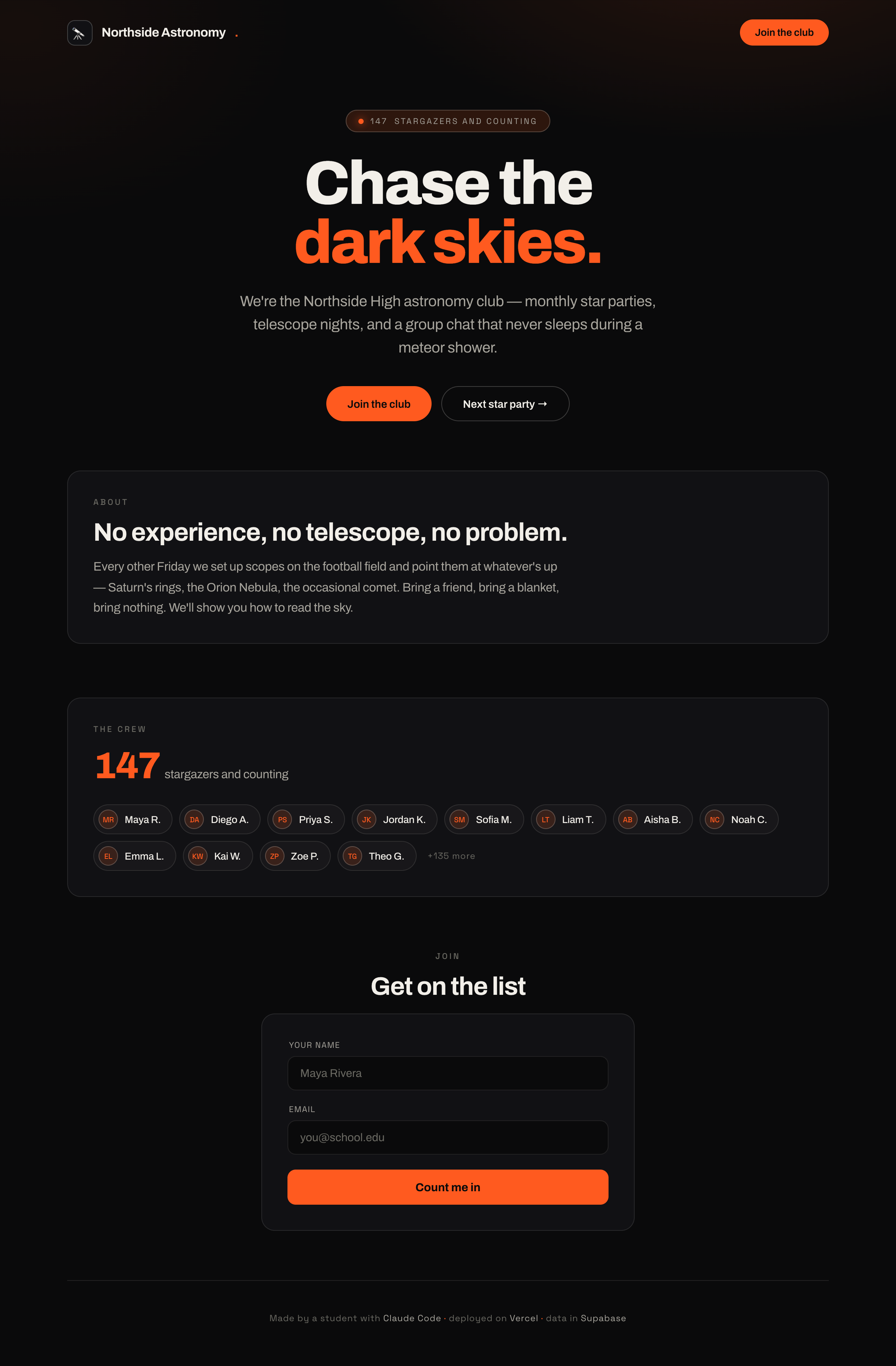
Strangers can now interact with their site and it responds. It's no longer read-only.
Concepts
- Backend code runs on the server, not in the browser — it's where you do things you don't want users to see or tamper with (like writing to the database with secret keys).
- An API route is a backend address your form talks to ("here's a new signup, please save it").
- Validation: checking input before trusting it (is this actually an email?).
- The flow: form → API route → database → response back to the user.
Talking points
- The form is the frontend; saving the signup is the backend.
- An API route is a backend doorway your form knocks on.
- Never trust user input — check it before you save it.
- Round trip: type → send → save → "thanks, you're in!"
Live demo (I do)
- Have Claude add a signup form (name + email) to the page.
- Create an API route that validates and inserts into Supabase.
- Submit a signup live; show the new row appear in the Supabase dashboard. Full loop.
- Submit a bad email; show validation catching it.
Student activity (you do)
Each student wires up their signup form end-to-end. Goal: a real submission shows up in their database and the user sees a success message.
Copy-paste prompts
Add a signup form to my homepage with name and email fields and a
"Join" button. When submitted, it should send the data to a backend
API route that saves it to my Supabase signups table. Show a
"Thanks for joining!" message on success.
Add validation: the name can't be empty and the email has to look
like a real email. If it's invalid, show a friendly error instead
of saving. Explain where this check runs and why it's on the
backend too, not just the browser.
Walk me through what happens, step by step, from clicking "Join" to
the row appearing in Supabase.
Where it breaks
- "Works on my machine," fails deployed. Usually missing env vars on Vercel. Teach: set the same secrets in Vercel's dashboard, not just
.env. - CORS / fetch errors. Paste the console error to Claude; this is the debugging-protocol module in practice (Appendix B).
- Trusting frontend-only validation. Explain why a determined user can bypass the browser, so the server must check too. Light, age-appropriate intro to "never trust the client."
- Silent failures. Teach reading the browser console and the Vercel logs — show where the errors actually print.
Check for understanding
- Why does saving to the database happen on the backend, not the browser?
- What's an API route?
- Why validate on the server even if the browser already checks?
Stretch
Prevent duplicate signups (same email twice). Ask Claude how to return a clear message when that happens.
For the instructor
This is the conceptual heart of "backend." If students get the form → API → database → response loop, they understand web apps. Draw it on the board as four boxes with arrows and refer back to it constantly.